
 English
 Bengali
1XOK App Handheld Casino Freedom Across Bangladesh
The 1XOK Android package is served directly from 1x-ok.net/app.apk. It isn't on Google Play because Play Store refuses real-money gambling listings in Bangladesh — every licensed operator serving this country distributes via direct APK, so this is industry norm rather than a shortcut. The file weighs roughly 22.5 MB and runs happily on Android 5.0 (Lollipop, 2014) or later. iPhone owners won't find a dedicated build — Apple bans gambling apps aimed at Bangladesh and sideloading iOS isn't practical for most players. Instead, iOS users get identical access via the mobile casino site through Safari or Chrome. Explore the games hub before installing.
Why the 1XOK Mobile App Delivers More
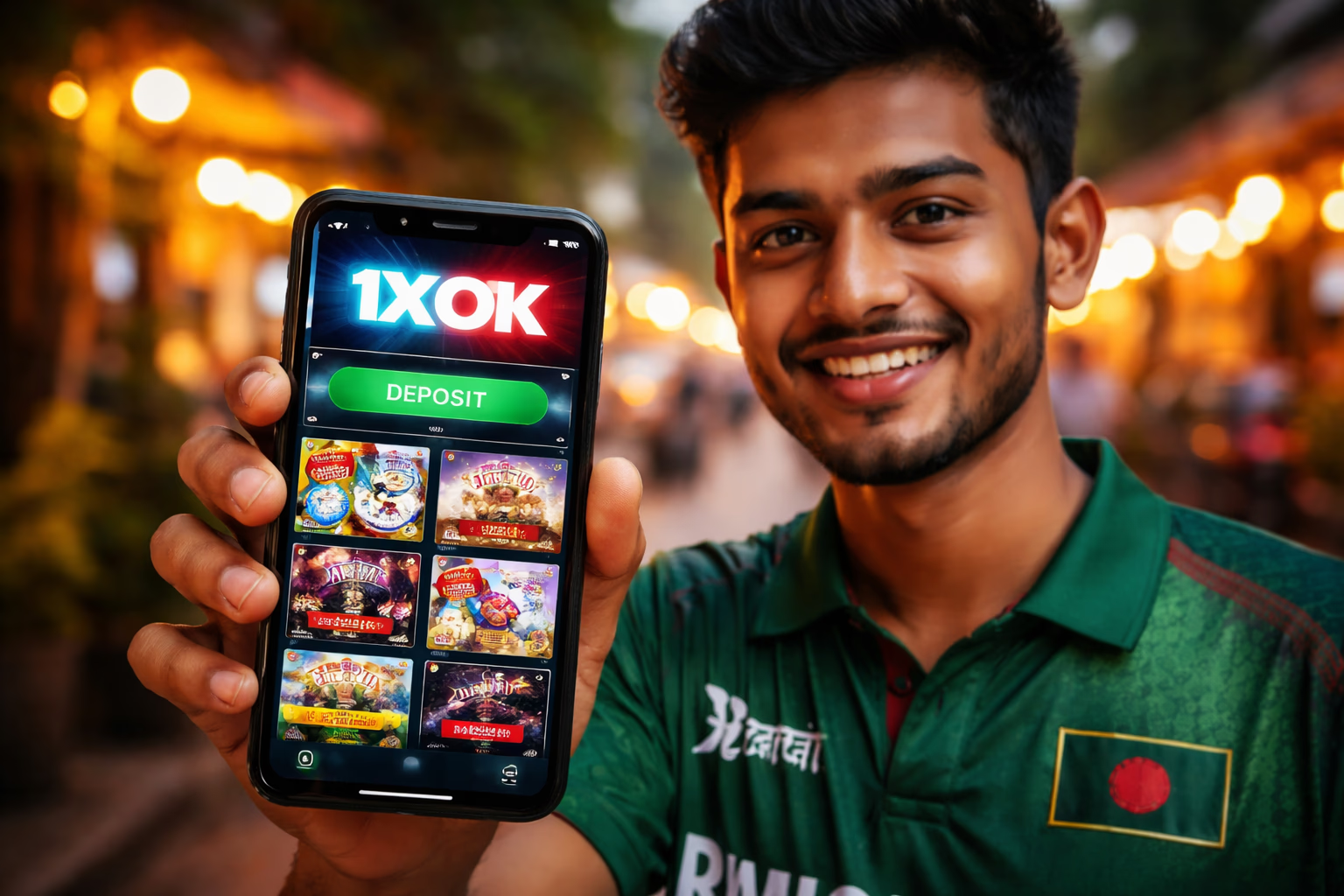
Most competing casino apps demand Android 7.0 or higher. 1XOK deliberately supports Android 5.0 because phone upgrade cycles across Bangladesh stretch longer than in wealthier economies — locking older handsets out would exclude thousands of loyal players. The trade-off on our side is roughly 4 MB of extra compatibility code inside the APK. Your side benefits: the app installs and runs on hardware that newer apps simply refuse.
The application delivers the complete casino floor, sportsbook and live dealer studio inside a snappier, more resilient shell than any browser can match. Live streams flow smoother, push alerts fire for bonus drops and match reminders, and your session stays intact even when you jump between other apps — none of that tab-killing frustration.
Account data lives on our servers, never trapped on a single device. Balance, promotions, KYC status and betting history stay perfectly synced across web, mobile browser and native app. Start on a laptop during lunch, resume on your phone during the commute, wrap up on a tablet at home — zero re-entry required.
Play NowMobile App Perks Every Player Values
One-Tap Launch
The home-screen icon opens the platform instantly — no browser tab to hunt for, no URL typing, no chance of landing on a cloned phishing site by mistake. Given how common fake 1XOK mirrors are in this region, the installed app becomes your phishing-proof gateway. Spin real slots right here.
App-Exclusive Bonuses
Certain promotions unlock only for app installers — cricket-timed bonus drops, free spin waves on freshly released slot titles, and occasional cashback boosters. Push notifications land in the app but never through the mobile browser. Login to unlock them.
Hardened Security
The application manages credentials more safely than any browser session. No auto-saved passwords vulnerable to extraction. No cross-site cookies that shady scripts can piggyback on. The network layer uses certificate pinning — even if your device DNS gets tampered with, the app refuses to talk to spoofed servers. Enjoy secure betting.
Real-Time Alerts
Push notifications cover deposit confirmations, withdrawal completions, bonus crediting, wagering milestones, KYC approvals, upcoming match kick-offs (for placed sports tickets), tournament standings changes and platform announcements. Every category is toggle-controlled — silence anything you don't want under Android → 1XOK → Notifications.
How to Download and Install the 1XOK APK
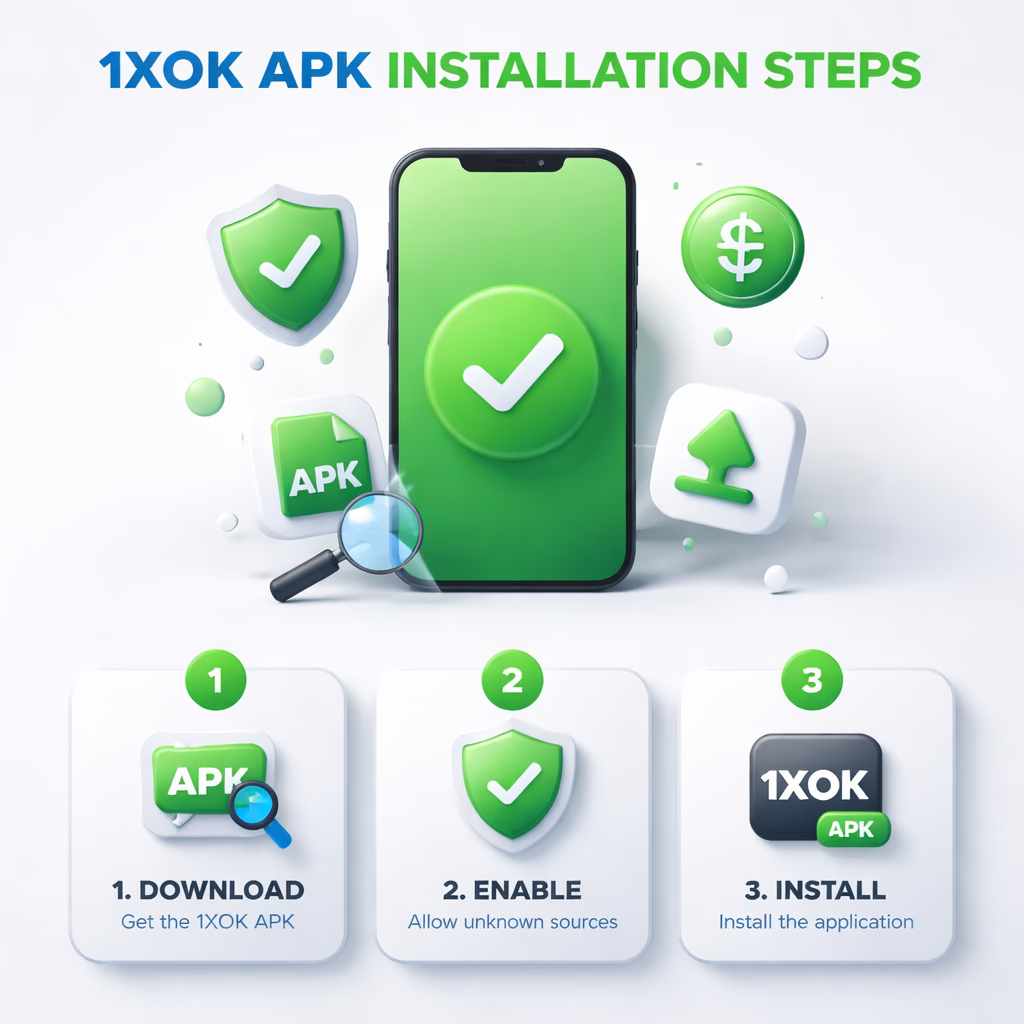
Step 1 — Grab the APK File
Tap the Download APK button on this screen or anywhere on 1x-ok.net. The 22.5 MB file lands in your Downloads folder. Your browser may flag a security prompt because the file didn't originate from Play Store — that is completely normal for every gambling APK. Approve the download. If the link reached you from somewhere other than 1x-ok.net, manually type 1x-ok.net into your browser to double-check — copycat sites push fake APKs that look genuine but hide malware. Verify before you tap. Learn more about us.
Step 2 — Allow Installs From Unknown Sources
Android blocks installations from outside Play Store by default. When you tap the downloaded APK, the system will prompt you to authorise your browser (Chrome, Samsung Internet, or whatever you used) to install apps. Open settings, toggle "Allow from this source" on. You can revert this later — the permission is per-app, not global. On older Android builds (pre-8.0), the switch lives under Settings → Security → Unknown Sources. Complete verification afterwards.
Step 3 — Install and Sign In
Tap the APK in Downloads or via the notification bar. Android displays required permissions (Internet, Storage, Notifications, optional Camera for uploading KYC documents). Review and accept. Installation completes in 10–30 seconds. On first launch, the app pulls 50–80 MB of game assets — one-time only, next launches open instantly. Sign in with your existing 1XOK credentials — the same username and password used on the desktop site.
Why the 1XOK App Beats Desktop for Mobile-First Players
Launch speed. The mobile site must fetch HTML, CSS, JavaScript, fonts and imagery every single visit. The app already has these resources cached on disk — cold launch takes under a second. Multiply that across 50 sessions monthly and you reclaim real minutes each week that would otherwise vanish to loading screens.
Battery efficiency. Counter-intuitively, the app drains less battery than the mobile browser during equivalent play. Browser tabs render the entire DOM and re-execute JavaScript on each tap; native UI components are dramatically lighter. Extended slot sessions typically pull 3–5% per hour through the app versus 6–10% inside a browser tab — meaningful when you're on the move.
Prefer desktop or don't want another icon on your phone? The mobile site carries the full library and works flawlessly on any device — the app is optional, not mandatory. Reach out through support if you need help choosing.
Enter the App
